Functions calendar
Your functions, month by month
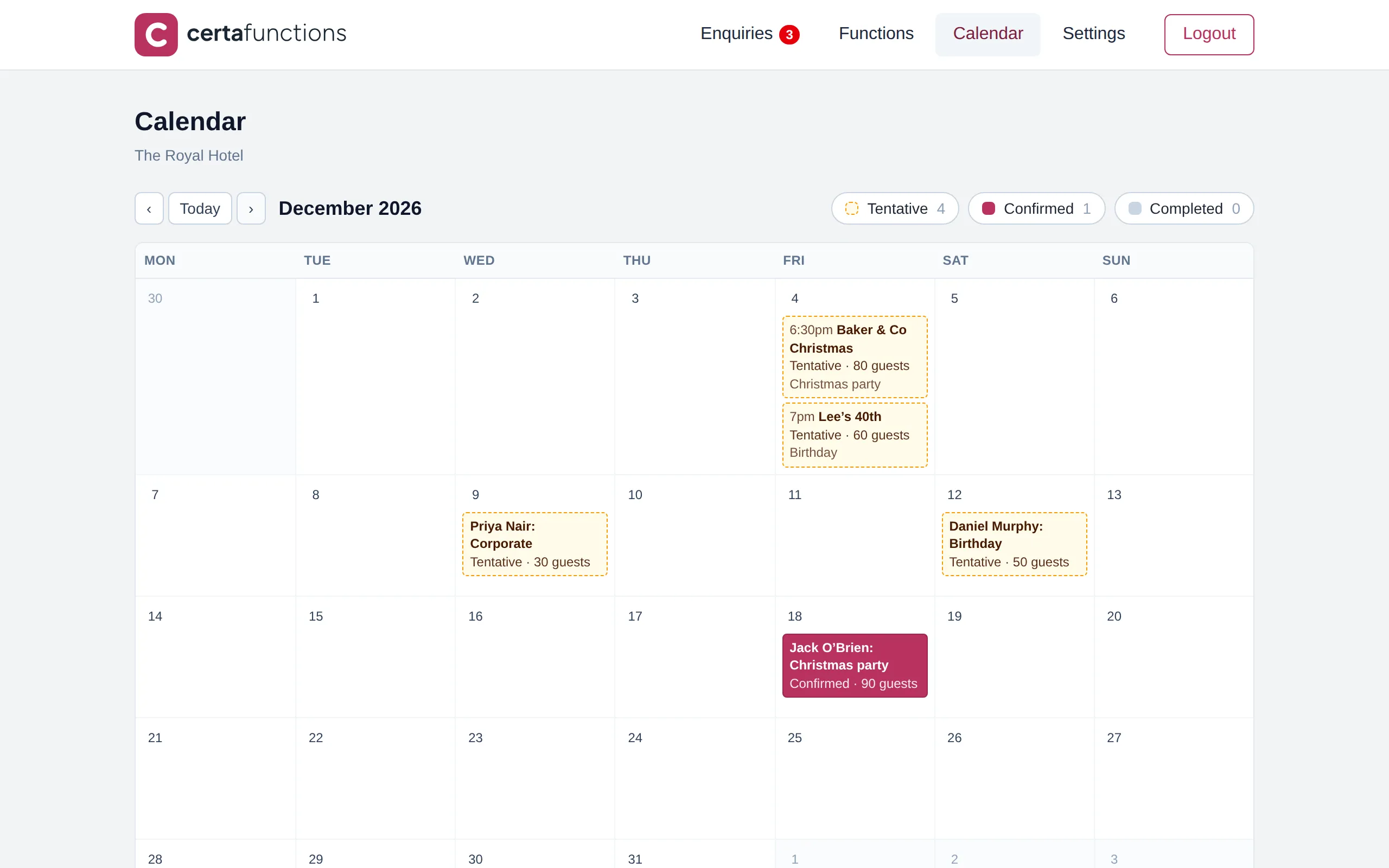
See what’s on at a glance: enquiries holding a date as tentative, confirmed functions with their deposit paid, and the ones already done, each with its time and guest numbers.
What you get
A month at a glance
Every function on its date, with its time, guests and type.
Tentative or confirmed
Enquiries show as tentative until the deposit is paid; confirmed functions stand out.
Done
Completed functions stay on the calendar, greyed out, for the record.
One click to the detail
Open any function from the calendar to see everything about it.
How it works
- Enter enquiries with the date they want. They appear on the calendar as tentative.
- Confirm a function when its deposit is paid, and it shows as confirmed.
- Mark it completed after the day.
Step-by-step details are in the knowledgebase.
Common questions
Does it sync with Google or Outlook calendars?
Not yet. Calendar sync is planned.
Can I see more than one venue?
Each venue has its own calendar. Switch venues from the menu if you run several.
More features
See CertaFunctions at your venue
Start a free 30-day trial. No setup fees and no credit card.